
Best Samsung Galaxy Watch Faces of 2024
Introduction
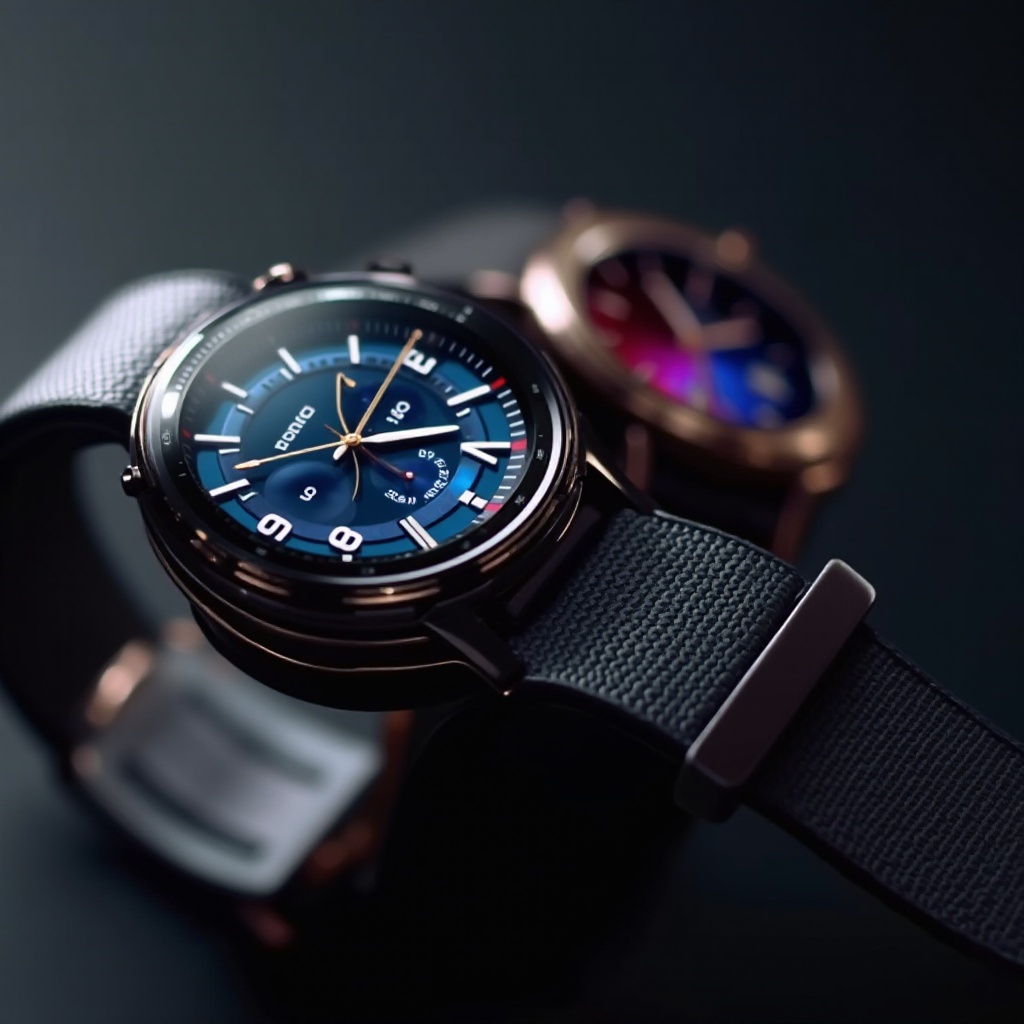
Samsung Galaxy smartwatches offer a remarkable range of customization options, particularly with watch faces. Whether you’re targeting aesthetic appeal or enhanced functionality, the right watch face can significantly elevate your experience. Choosing a personalized watch face is more than just a style preference; it is about making your smartwatch a true reflection of your personality and meeting your distinct needs.
Why Customize Your Samsung Galaxy Watch Face?
Choosing a customized watch face adds a unique touch to your device. An ideal watch face not only enhances the usability of your smartwatch but also gives you quick access to essential information. Imagine a fitness enthusiast who needs real-time stats on heart rate and step count; such data makes staying on top of fitness goals easier and more efficient. Customization also serves as an expression of individuality, transforming a gadget into a personal statement.
Understanding these benefits sets the stage for exploring various watch face categories, each designed to meet specific user preferences and functional requirements.
Top Categories of Samsung Galaxy Watch Faces
Samsung Galaxy Watch offers diverse watch face categories to suit different preferences:
– Minimalist designs for those who prefer simplicity and elegance.
– Fitness-centric displays that provide activity metrics.
– Business-oriented styles offering calendar, email, and task management.
– Retro themes for fans of classic designs.
– High-tech animated interfaces for tech-savvy users.
– Fully customizable templates for a personalized approach.
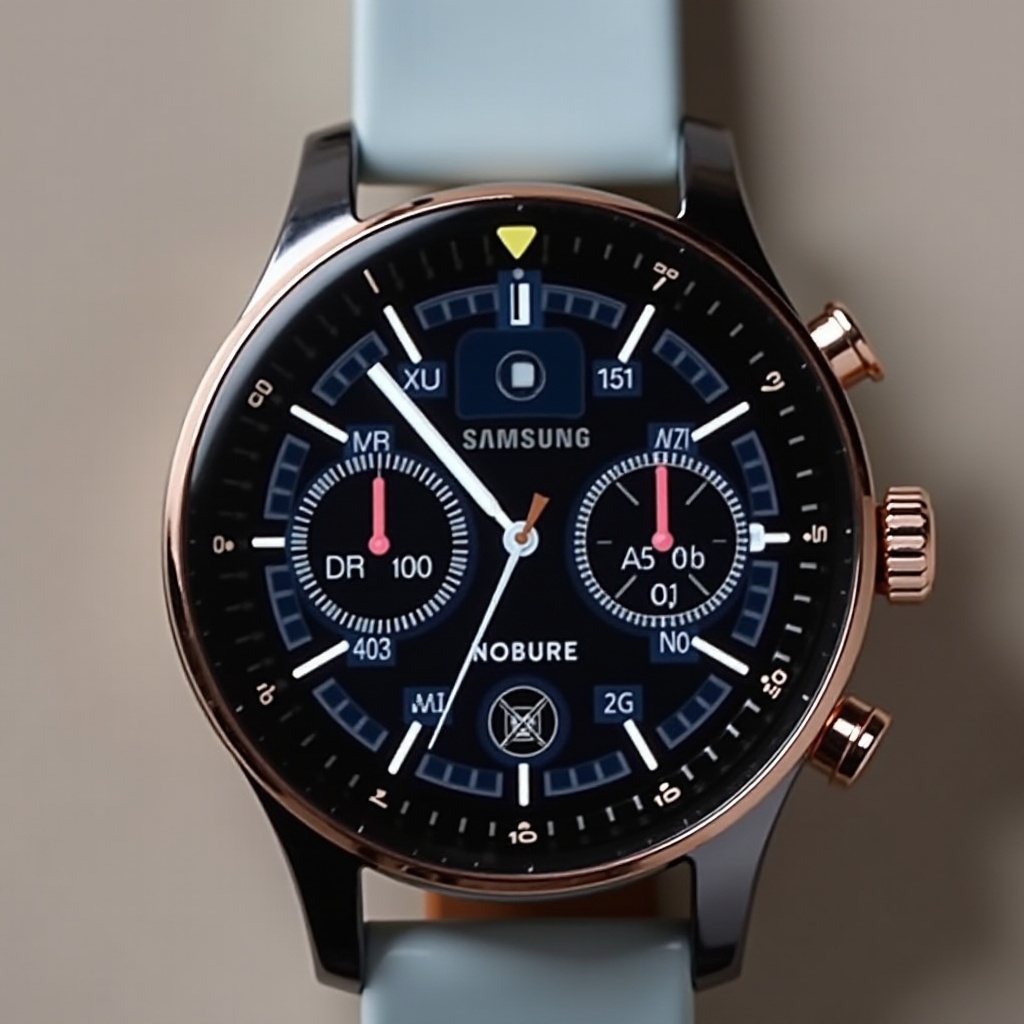
Now, let us look into the best examples in each category for 2024.
The Best Samsung Galaxy Watch Faces of 2024
Minimalist Marvel
Minimalist watch faces are all about simplicity and clean design. They provide essential information in an elegant, clutter-free manner. This category is perfect for users who value a sleek, understated look that still provides all necessary data at a glance.
Fitness Focus
Fitness Focus watch faces are designed for users who prioritize health and activity tracking. They incorporate vital statistics like heart rate, calories burned, and step counts into a visually engaging format. These faces act as a constant motivator, ensuring that fitness goals remain achievable and monitored.
Business Chic
Combining style with practicality, Business Chic watch faces seamlessly integrate professional tools like calendars and task lists. Perfect for those managing busy schedules, these designs maintain an elegant look that’s appropriate for any professional environment, from the boardroom to casual business outings.
Retro Revival
Retro Revival watch faces bring back the charm of classic wristwatches, appealing to users who have an appreciation for traditional aesthetics married with modern technology. These faces provide a timeless look while incorporating all the benefits of a digital display.
Tech Savvy
Tech Savvy watch faces feature advanced displays with animations and interactive widgets, appealing to users who want a cutting-edge appearance on their wrist. These designs are ideal for technology enthusiasts who desire a futuristic look along with multiple functionalities.
Customizable Templates
For those who wish to create a truly unique watch face, customizable templates offer endless possibilities. Users can modify elements such as colors, fonts, and layouts to design a watch face that aligns perfectly with their tastes. Customizability allows for innovation and personalization that is tailored to each individual.
How to Download and Customize Samsung Galaxy Watch Faces
Changing your Samsung Galaxy Watch face is a simple process:
1. Open the Galaxy Wearable app on your smartphone.
2. Go to the ‘Watch faces’ section in the app.
3. Browse or search for specific designs and select the one you like.
4. Tap ‘Install’ to download the watch face to your device.
5. Customize the watch face using the available features to suit your needs.
Switching between different watch faces is easy, allowing adjustments based on your agenda or mood.
Tips to Maximize Watch Face Features
Make the most of your watch face’s functionality with these tips:
– Reduce screen brightness to enhance battery life.
– Disable non-essential widgets that consume power and clutter your display.
– Regularly update the watch faces and apps to ensure optimal performance.
By maintaining these settings, you can ensure your smartwatch operates smoothly with minimal battery drain.
Conclusion
Samsung Galaxy Watch faces offer a perfect blend of personalization and functionality. Selecting and customizing the right watch face ensures that your smartwatch not only looks exceptional but also serves a practical role in your daily life. With diverse options available, there is something for everyone to explore and enjoy.
Frequently Asked Questions
How do I change the watch face on my Samsung Galaxy Watch?
Simply use the Galaxy Wearable app on your smartphone to browse and install different watch faces.
Are Samsung Galaxy watch faces free to download?
Many watch faces are free, while some premium options may involve a purchase.
Can I create my own Samsung Galaxy watch face?
Yes, customizable templates allow you to design your own watch face with various elements.