
Mastering Phone Use Time: A Comprehensive Guide
Introduction
Understanding your phone usage is crucial in today’s fast-paced digital environment. Smartphones have become indispensable, but unchecked usage can disrupt productivity and personal well-being. This guide aims to equip you with the knowledge to track and manage phone screen time effectively on different devices.

The Importance of Monitoring Phone Use Time
Knowing how you spend time on your phone can illuminate areas where you can adjust habits to lead a healthier lifestyle. With awareness, you can:
- Improve Health: Minimize eye strain and sleep disturbances.
- Increase Productivity: Rediscover time for essential tasks or hobbies.
- Enhance Well-being: Reduce stress and exposure to online negativity.
Realizing these benefits starts with committing to monitor your usage patterns closely.
How to Check Phone Use Time on iOS Devices
Apple’s Screen Time is a powerful feature for understanding and taking command of your phone use:
- Accessing Screen Time: Go to Settings, tap Screen Time, and activate it if necessary.
- Setting App Limits: Navigate to App Limits, choose apps, and set daily limits.
- Utilizing Downtime: Set start and end times in Downtime to restrict app access.
- Viewing Detailed Activity Reports: Access See All Activity for comprehensive usage stats.
This process enables iOS users to precisely manage their screen time, enhancing mindfulness in phone interactions.
How to Check Phone Use Time on Android Devices
Android phones offer the Digital Wellbeing feature, which is excellent for monitoring:
- Accessing Digital Wellbeing: Open Settings, select Digital Wellbeing & Parental Controls, and navigate to the Dashboard.
- Using Focus Mode: Choose apps to pause in Focus Mode to maintain concentration.
- Setting Daily Device Limits: Set individual app timers within the Dashboard for regulated usage.
- Accessing Usage Details: Review daily or weekly reports to understand your habits better.
These tools empower Android users to constructively modify their digital consumption, promoting a healthier digital diet.
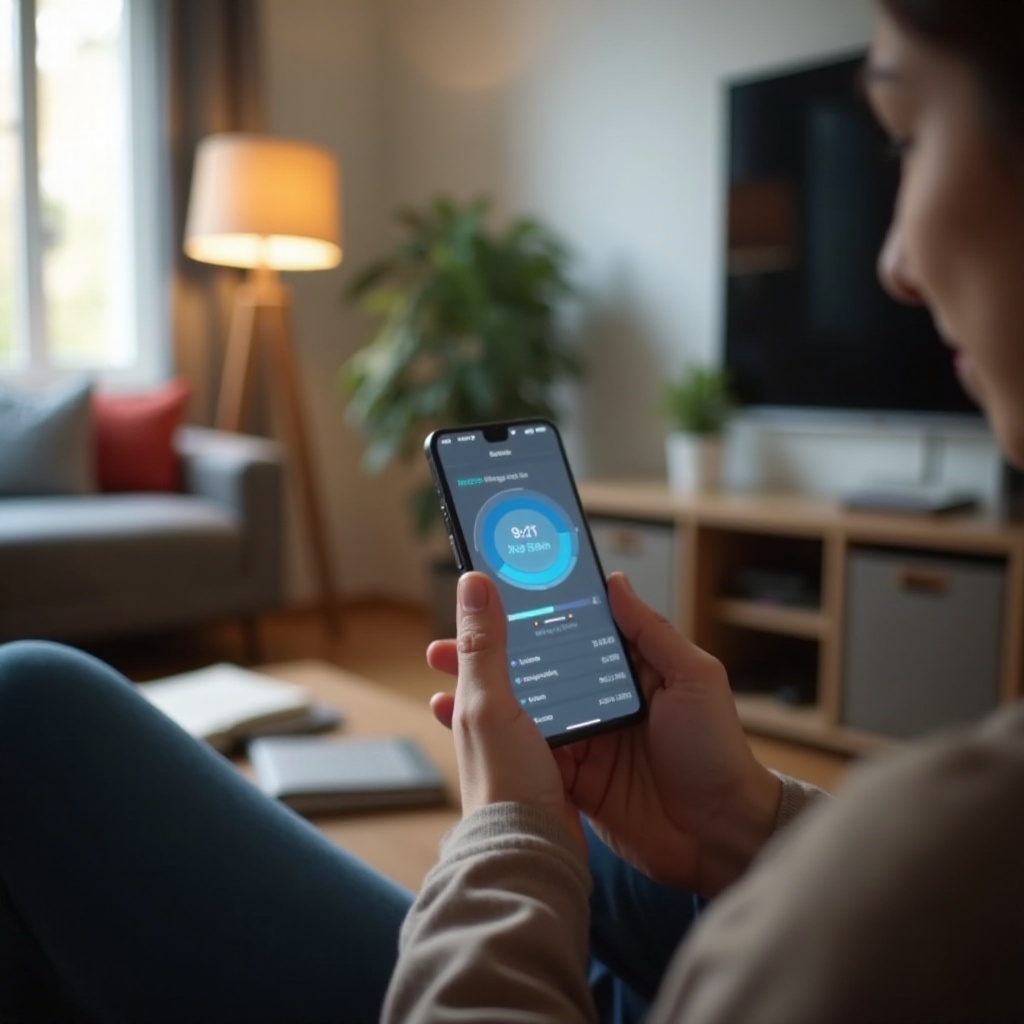
Using Third-Party Apps for Monitoring
Beyond integrated features, third-party apps provide added insights and customization:
- Moment: Offers daily usage tracking and strategies to reduce screen time.
- QualityTime: Delivers detailed usage stats and allows for custom alerts.
Testing various apps can help you find those best suited to your needs, providing an extra layer of control over your digital habits.
Tips for Managing and Reducing Phone Usage
Having insight is just the first step; implementing change is critical for maintaining reduced screen time:
- Set Realistic Reduction Goals: Gradual limits help in reducing dependency.
- Practice Mindfulness: Regularly assess the purpose behind your phone usage.
- Engage in Non-Digital Activities: Swap screen time for hobbies or physical activities.
By adopting these habits, you can ensure your phone serves as a tool for enhancement rather than distraction.

Conclusion
Effectively managing your phone usage leads to a more balanced and enriched lifestyle. With the right tools and strategies outlined here, you can gain control over your screen time, maximizing the benefits of both your digital and offline worlds.
Frequently Asked Questions
How often should I check my phone usage time?
Checking your phone usage weekly helps in noticing patterns and making adjustments without getting overwhelmed by daily data.
Can checking phone usage time help improve productivity?
Yes, by pinpointing time wastage, you can refocus efforts on productive tasks, enhancing overall efficiency.
What should I do if I find myself overusing my phone?
Set stricter limits, engage in offline activities, and use Focus Mode or mindfulness to break the habit.