
Samsung TV Clicking Noise: Causes, Troubleshooting, and Solutions
Introduction
Experiencing a clicking noise from your Samsung TV can be both unsettling and vexing, yet it is a fairly common issue. Understanding the root causes of this noise is crucial, as it could indicate underlying problems that might eventually impair the television’s performance. Whether the noise occurs only at startup or persists during operation, accurately identifying and addressing the problem can save you from costly repairs down the line. In this guide, we delve into potential causes and solutions, ranging from simple DIY fixes to knowing when to enlist the help of a professional.
Understanding the Clicking Noise
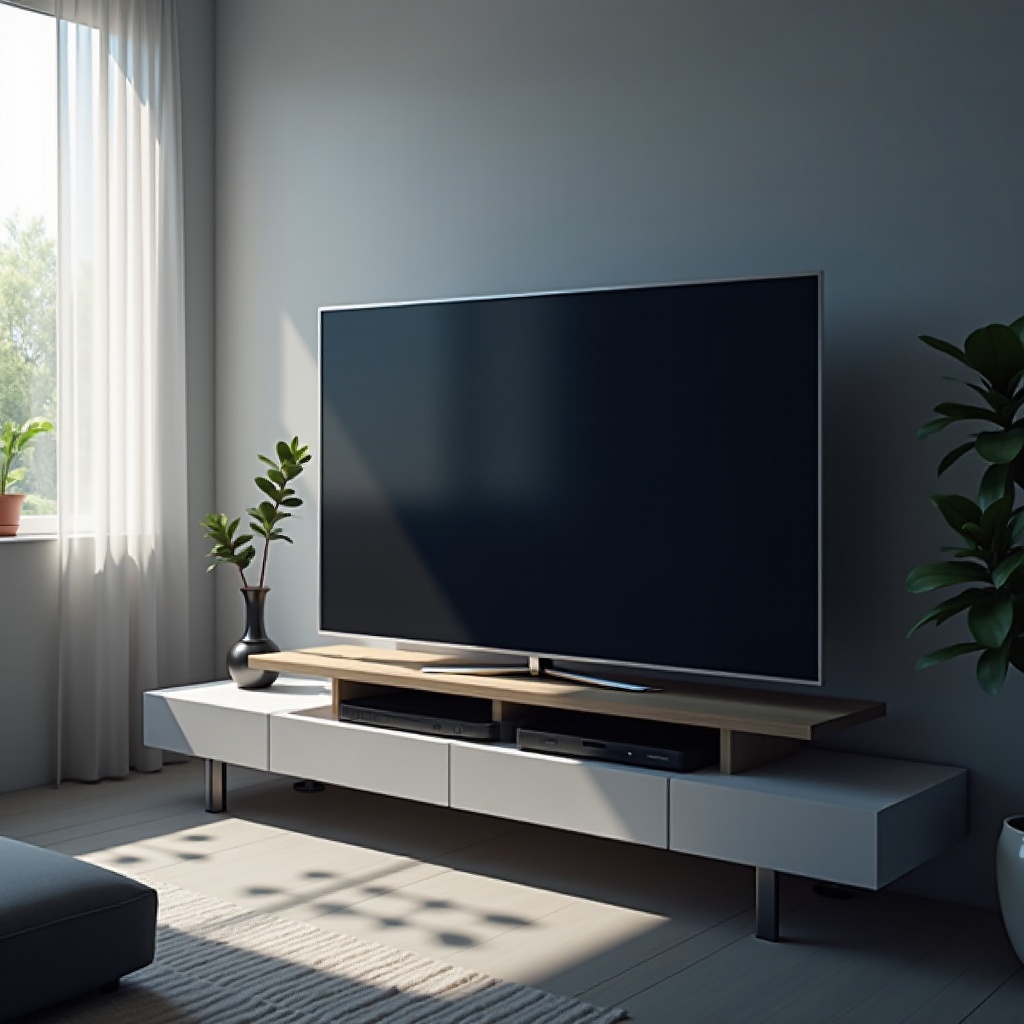
Samsung TVs might exhibit a mechanical clicking or ticking sound, typically heard during power cycling or while the TV is running. Determining exactly when the noise occurs can help identify its cause; some clicking noises are normal, but persistent sounds usually signal a problem. By understanding these situations, you can decide whether a simple fix or professional intervention is necessary. More often than not, the noise arises from components related to the power supply or internal circuitry — issues that are generally resolvable with an informed approach.
Common Causes of Samsung TV Clicking Noise
Identifying the reasons behind the clicking noise in your Samsung TV can aid in diagnosing and addressing the problem efficiently.
Power Supply Issues
One of the most frequent causes is the power supply unit. Electrical clicks may result from power fluctuations or faulty power supply units. Power surges or inadequate grounding within your home’s electrical system can worsen this issue.
Faulty Capacitors
Over time, capacitors in the TV’s circuits can degrade, producing clicking sounds. These components are vital for managing electrical energy, and their malfunction can lead to both operational issues and noise.
Circuit Board Malfunctions
Circuit boards in the TV are pivotal for controlling various functions. Malfunctions within these boards can cause unusual sounds. Problems such as poor solder connections and micro-cracks can disrupt normal operations, resulting in audible clicks.
Troubleshooting Steps
Effectively addressing clicking noises involves careful troubleshooting procedures. Follow these steps to pinpoint the issue:
Preliminary Safety Measures
Begin by ensuring the TV is powered off and unplugged. This helps prevent any electrical hazards or accidental damage.
Identifying the Noise Source
Pay attention to the noise’s origin. Does it come from the back, side, or a specific part like the speakers? This focus will help direct your troubleshooting efforts.
Simple Tests to Perform
- Turn the TV on and off, noting any changes in the clicking pattern.
- Examine whether external devices connected to the TV might be causing interference.
DIY Fixes for Samsung TV Clicking Noise
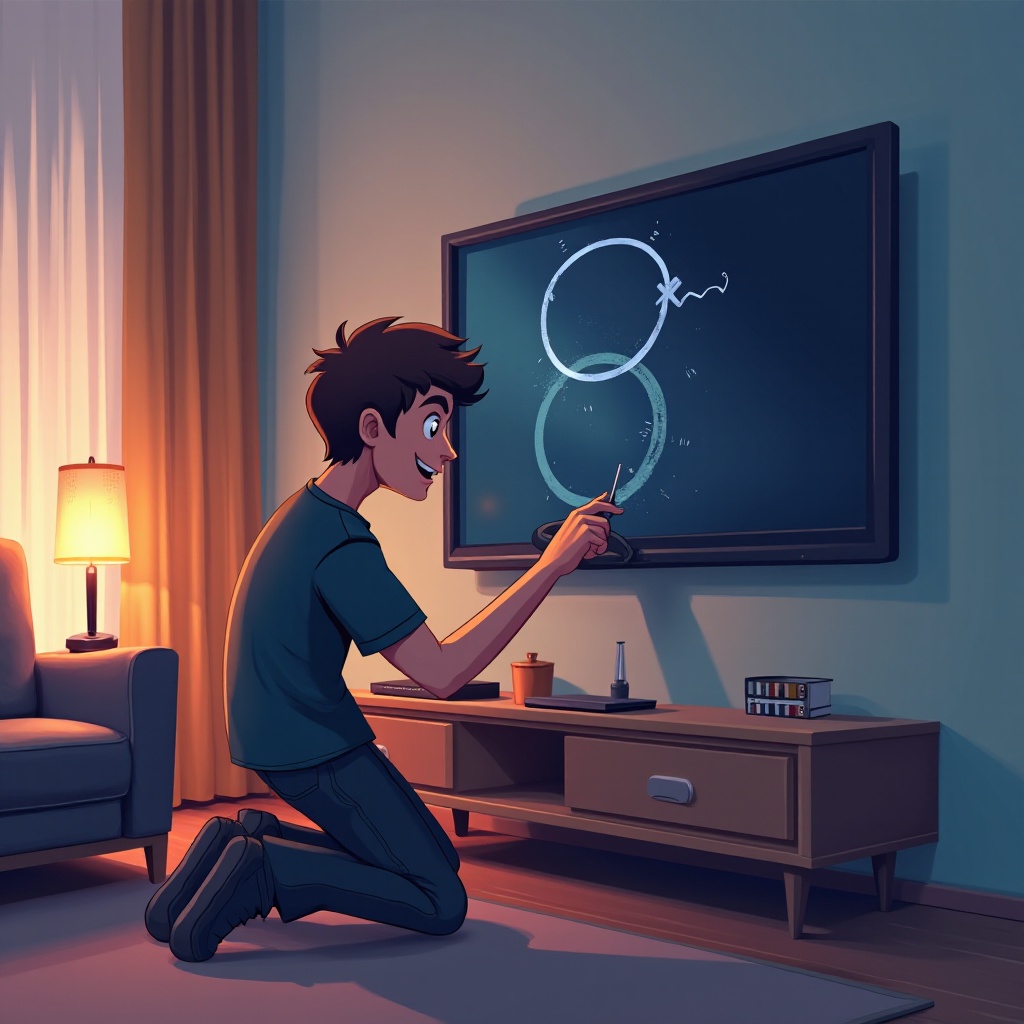
If you’re handy and comfortable with basic repairs, try these methods to fix the noise yourself:
Power Cycling Your TV
Power cycling can resolve minor technical snags. Switch off your TV and unplug it. After waiting about 60 seconds, plug it back in and turn it on.
Checking and Securing Connections
Clicking can result from loose cables or connections. Make sure all connections are tight, especially power cables and external device jacks.
Resetting Your TV to Factory Settings
If the clicking is due to software or firmware problems, a factory reset could help. This will clear all settings and restore the TV to its default state. Follow the user manual’s instructions for a reset.
Professional Repair and When to Seek Help
In some cases, despite your troubleshooting attempts, professional repair may be required.
Assessing When to Call a Technician
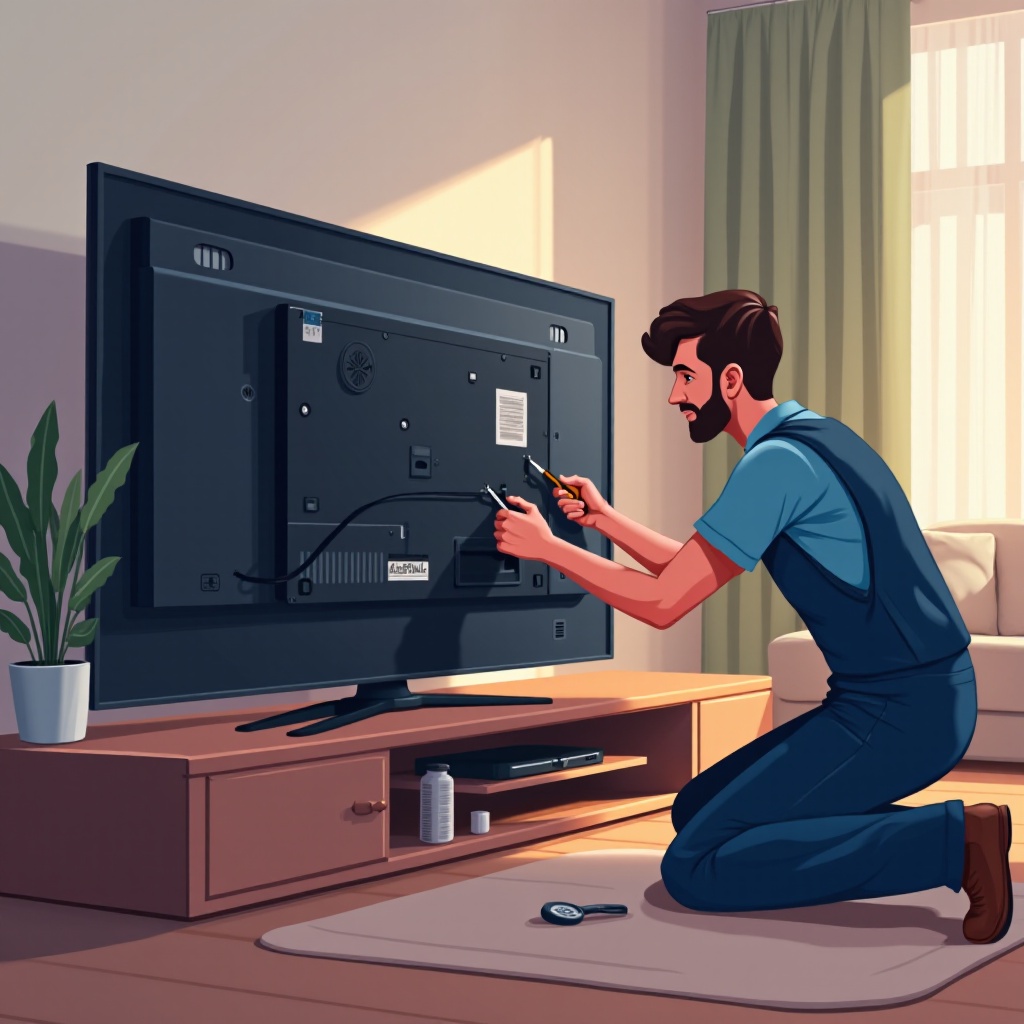
If the issue persists after you’ve tried DIY solutions or if electrical components concern you, it’s advisable to contact a technician.
Understanding Potential Repair Costs
Repair costs can vary widely, generally ranging from $100 to $400, depending on the complexity of the repair. It’s wise to request a service quote beforehand to avoid unexpected expenses.
Preventative Maintenance Tips
To avoid future issues, incorporate regular maintenance practices:
Regular Inspections
Every few months, inspect the TV and its components for secure connections and any signs of wear or damage.
Environmental Considerations
Keep your TV in a stable environment that is free of excessive dust, humidity, and temperature fluctuations, which could affect its electronic components.
Conclusion
Encountering a clicking noise in your Samsung TV doesn’t always denote a critical issue. By understanding potential causes and performing basic troubleshooting, many problems can be swiftly addressed. Whether through a DIY approach or with professional help, addressing the noise promptly can restore your TV to its usual, quiet operation, guaranteeing enjoyable viewing experiences.
Frequently Asked Questions
Can a clicking noise damage my Samsung TV?
Generally, the noise itself isn’t damaging, but if it’s a symptom of a broader issue, ignoring it might lead to further complications.
How much does it typically cost to repair a Samsung TV clicking noise?
Repair costs may range from $100 to $400, depending on the severity and specific repair required.
Are there any quick fixes for a Samsung TV clicking noise I can try at home?
Yes, common quick fixes include power cycling the TV, checking all cable connections, and resetting the TV to factory settings. These can help resolve minor or temporary issues.